
The screen
This page is about what you see on the phone while you are in a party: how the screen is divided, where things sit, and what happens when you switch to another player’s view.
The three bands
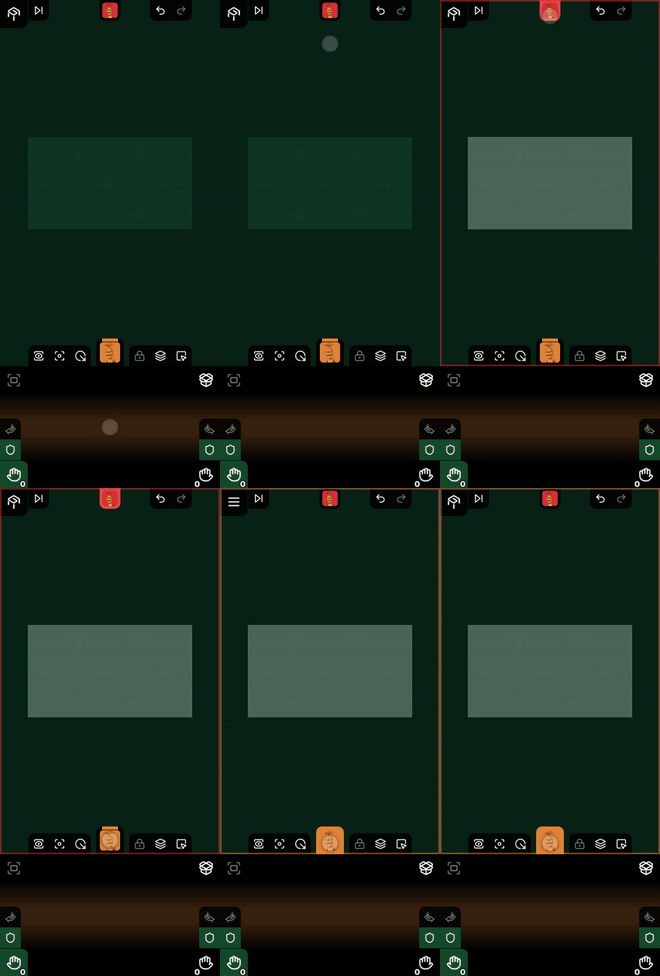
The screen is made of three horizontal bands, from top to bottom:
| Band | What it holds |
|---|---|
| An opponent’s hand | the cards of the player whose view you are in (face down) |
| The table | the playing area: the board, the containers, the cards, the areas |
| Your hand | your own cards, with the box beside them |
Only two of them are on screen at any time: on the shared table and in your own area you get the table and your hand, in an opponent’s view their hand and the table. The third band waits off screen.
The hand bar takes a quarter of the screen height by default, but you can set it per device, anywhere from 15 to 40 percent of the screen height: by dragging your own head vertically, or with the Hand Bar Height slider in Settings. Whatever the bar gains, the table loses. Details: The height of the hand bar.
The table does not jump while you switch
When you tap an opponent, all three bands slide as one. The table band does not change size while this happens, so:
- the board stays the same size and keeps looking where it was looking
- the slide by itself does not move the camera, does not re-zoom and does not re-fit
- the only change is which hand is at the top and which is at the bottom
That holds when you go straight from one opponent to another as well: then the bands do not move at all, only the contents of the top band are swapped.
What happens afterwards is deliberate: the camera flies to the area you opened. See Camera.
The buttons sit on the edges of the bands
There is no separate toolbar strip. Each button stands on the edge of the band it belongs to:
- the four edges of the table band carry the buttons that act on the table: in the corners the menu, rotate, shuffle and flip; on the top wall end turn, the opponents’ heads and undo; on the left wall the bookmarks; on the right wall the selection; on the bottom wall the camera buttons, your own head and the buttons that act on the selection
- the buttons of the hand bar belong to your hand: zoom and box in the top corners, the two shields at the bottom of the left and right walls, the card counts in the bottom corners
- the opponent’s band carries only the two count buttons, in the bottom corners: their cards are face down, so there is nothing for you to do with them on that band
In detail: Toolbar.
Nothing disappears in landscape
Turn the phone and everything stays where it was: the hand bar, the opponent’s band and every button. Only the proportions change, because the bands become wide and short.
In landscape your left half and your right half (your left hand, and your right hand or the box) are usually side by side, both open, while in portrait one is open and fills the whole bar, and the other is closed. The Your hand page covers that.
What is gone
If you knew the Controller from before: there is no header and no footer any more. The game title, the row of opponent avatars and your own name used to sit in bands of their own at the top and the bottom. All of that is gone. The avatars moved to the edge of the toolbar, and the playing area took over the space.
See: What changed in v5.