
The screen
This page is about what you see on the display: which picture appears when, and what sits where on the screen. The display has two main pictures, the waiting one and the table, plus a few short lived signals.
The waiting picture
While the display belongs to no party, this is what you see:
| What | Where |
|---|---|
| A large GreenCloth logo | in the middle |
| The QR code | bottom right, a quarter of the screen height |
| The version number | bottom left, faintly |
A short loading bar with a percentage can appear under the logo at start-up, while the images arrive. On a fast connection you will not even notice it.
The Pairing page covers the QR code.
The moment it connects
When a party invites it, a confirmation briefly flashes up on the display with the party’s code, then the logo fades and the table appears. It takes a few seconds, and there is nothing to do with it.
The table
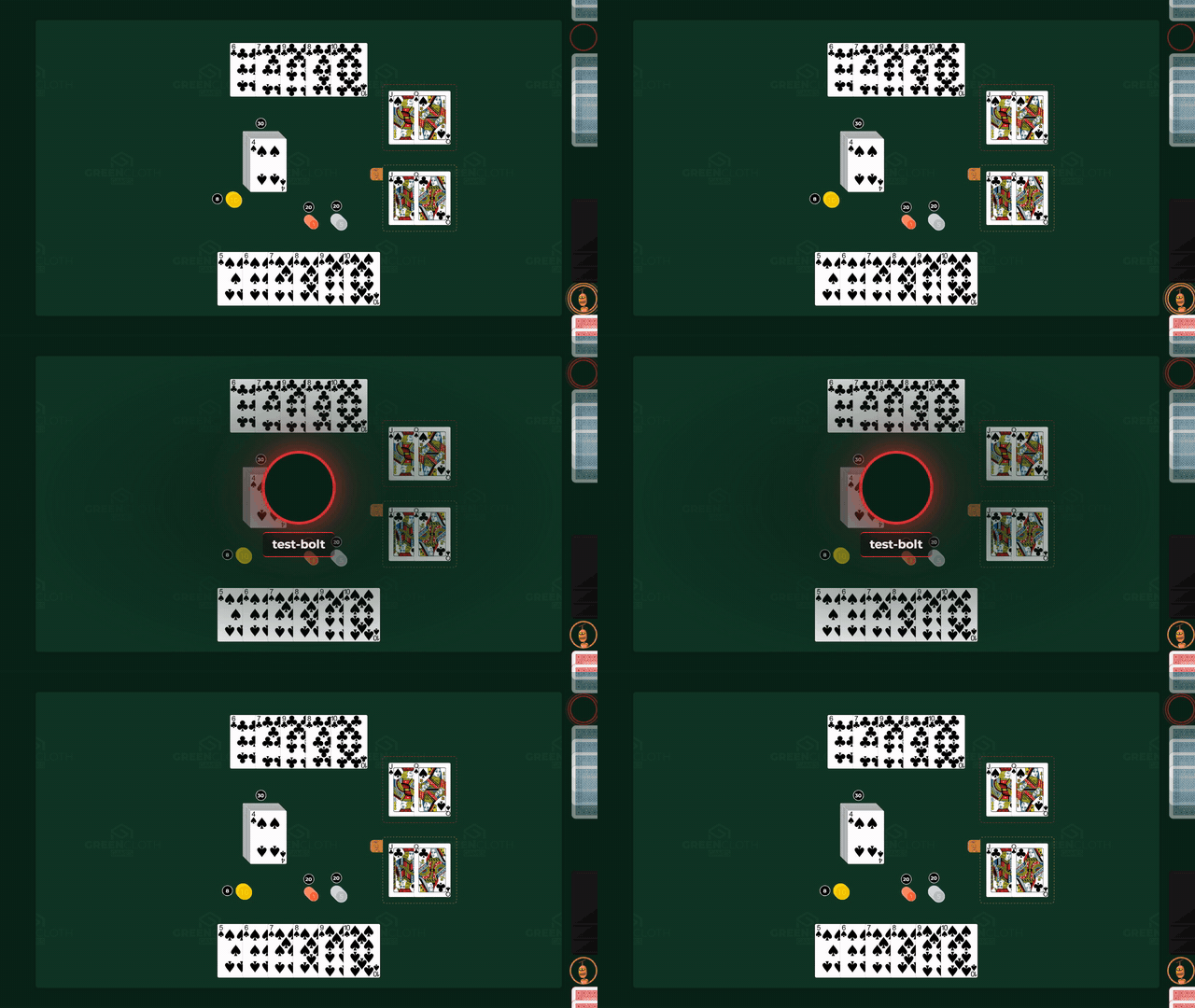
This is the main picture, and during a party it is on screen almost all of the time. One large playing area fills the screen, with no frame, header or button row of any kind.
There are no buttons on it. No menu, no toolbar, no switch tucked into a corner. What you see is the game, nothing else. The one exception is the update bar and the install offer, which turn up rarely, see In the corners.
The table page covers what you see on the table.
When the game is made in several languages, the display shows the cards and the game’s title in the game’s base language, not the players’ (on the controller everyone sees their own language, The language of the cards).
The hand strips along the edges
If they are switched on, every player gets a strip at the edge of the screen nearest their place at the table: an avatar disc with their cards beside it. These do not move with the camera, they stay at the edge of the screen.
In detail: Hand strips.
Whose turn it is
Whenever the turn passes to another player, a large avatar flashes up in the middle of the screen with the player’s name and a coloured ring, for about two seconds, then fades.
The first turn value after connecting is not announced, so nothing flashes up needlessly when the display joins a party.
If the hand strips are switched on, the player whose turn it is has their avatar picked out by two rings in their own strip as well. See Hand strips.
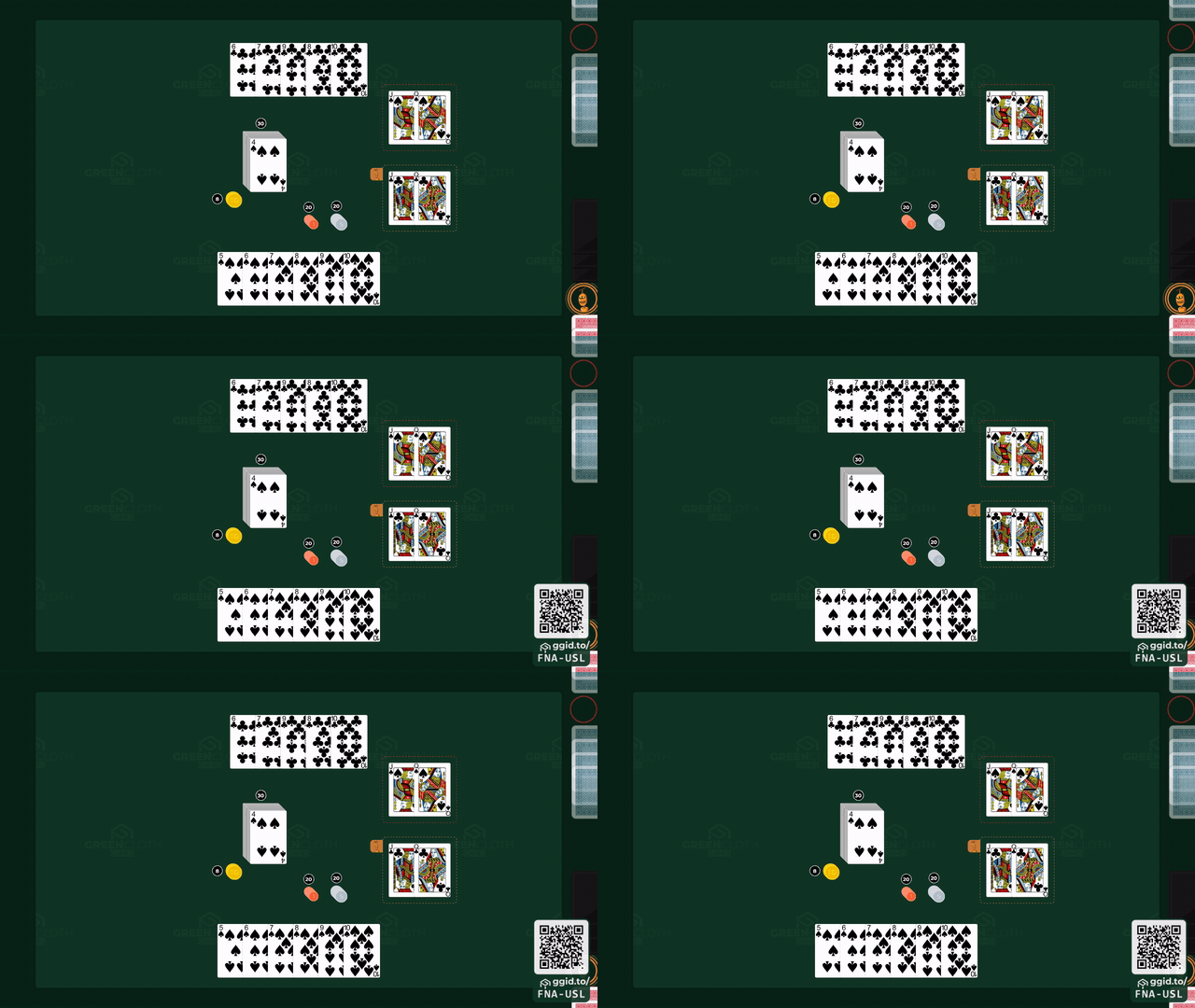
The party’s QR code
During a party the party’s QR code can appear at the bottom right, so that whoever just arrived can join with their phone. It does not appear on its own: you switch it on for that display from the phone, see Settings.
In the corners
| What | Where | When |
|---|---|---|
| The version number | bottom left, faintly | always |
| The “Powered by GreenCloth Games” line | bottom centre | only on a publisher’s own address, see below |
| The update bar | at the top, full width | when a new version has arrived |
| The install offer | at the bottom, full width | when the app is not installed yet |
The “Powered by GreenCloth Games” line appears when the display was opened on a publisher’s own,
registered address, that is view.<the publisher's domain>. It never appears on GreenCloth’s own
addresses (under greencloth.games and greencloth.dev). If the address is not known, or the brand data
does not arrive, neither does the line. Where a branded address comes from:
Brands.
The update bar and the install offer both carry a button. They are the only controls on the display, and they show only when they have something to offer. When it is worth accepting them: Updating and installing.
What is not on the screen
- the game’s title appears nowhere
- the list of players does not appear separately, only as the hand strips’ avatars
- there is no clock, turn counter or score
- the contents of the box do not appear: that stays on the phone