Plus
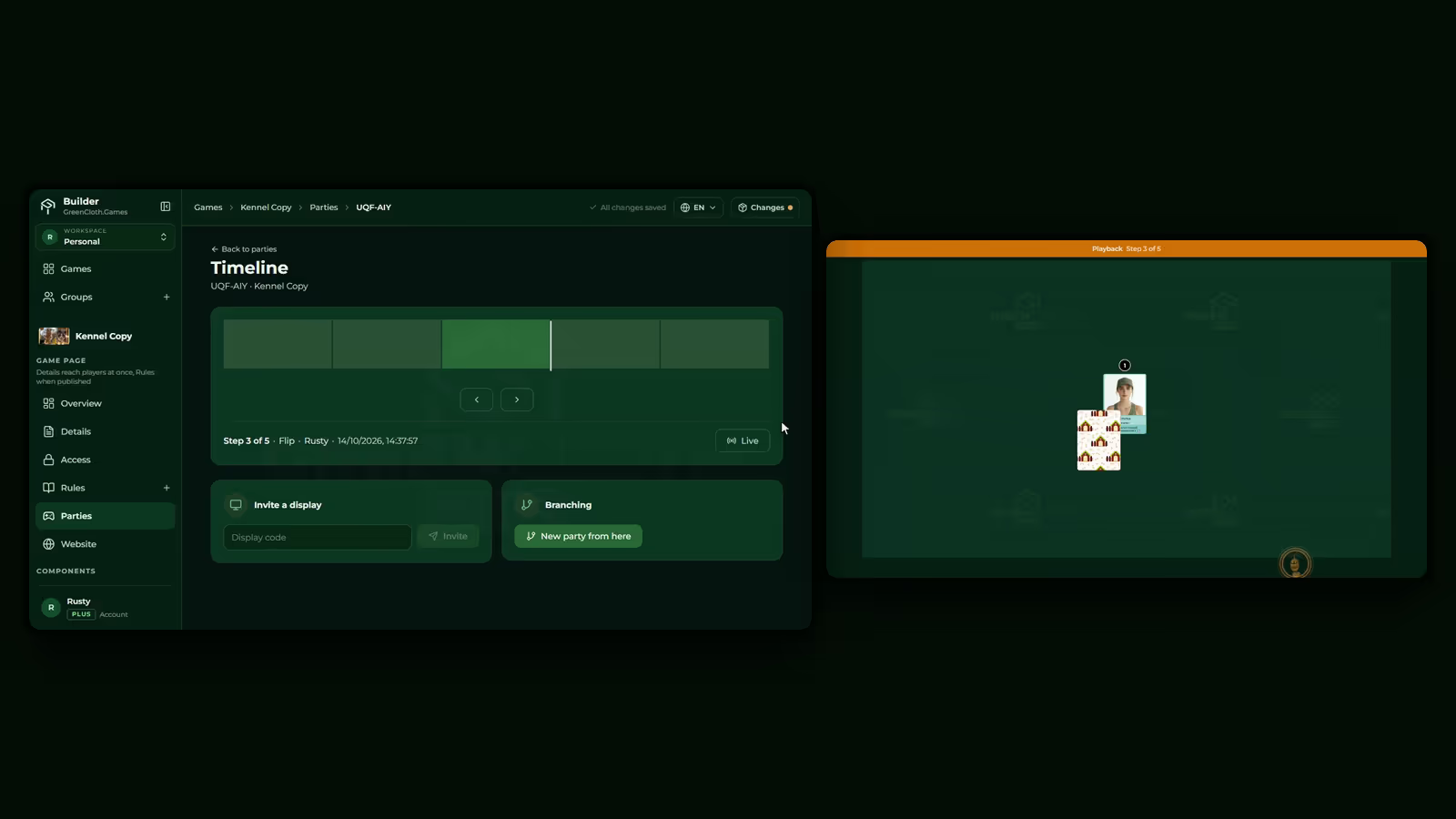
Rewind a session and branch from any moment
Step back through a party on a timeline. Found the turn where it went wrong? Start a new party from exactly that step and try another line, without reshuffling.

Set up your game in the browser, make a private version playable, and play it on the TV. Testers join with a QR code and install nothing.
Free to start, no payment details. You sign in with Discord, Google or Facebook. We never post for you.
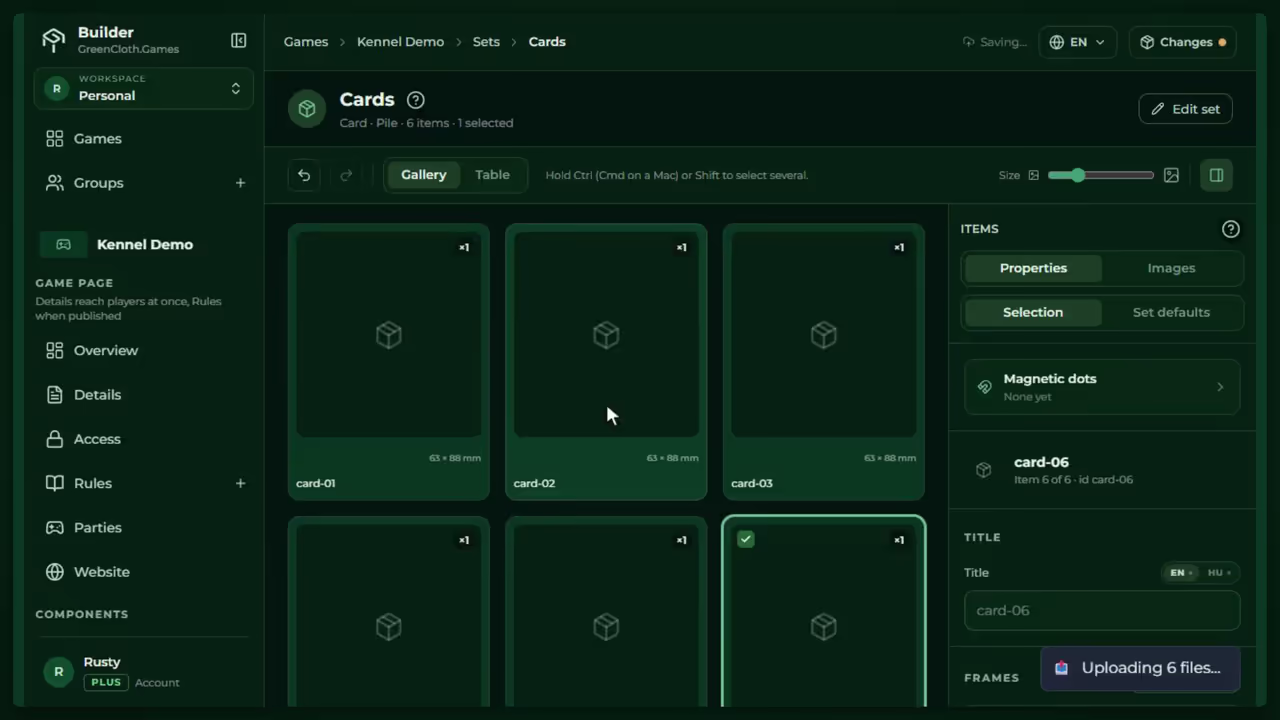
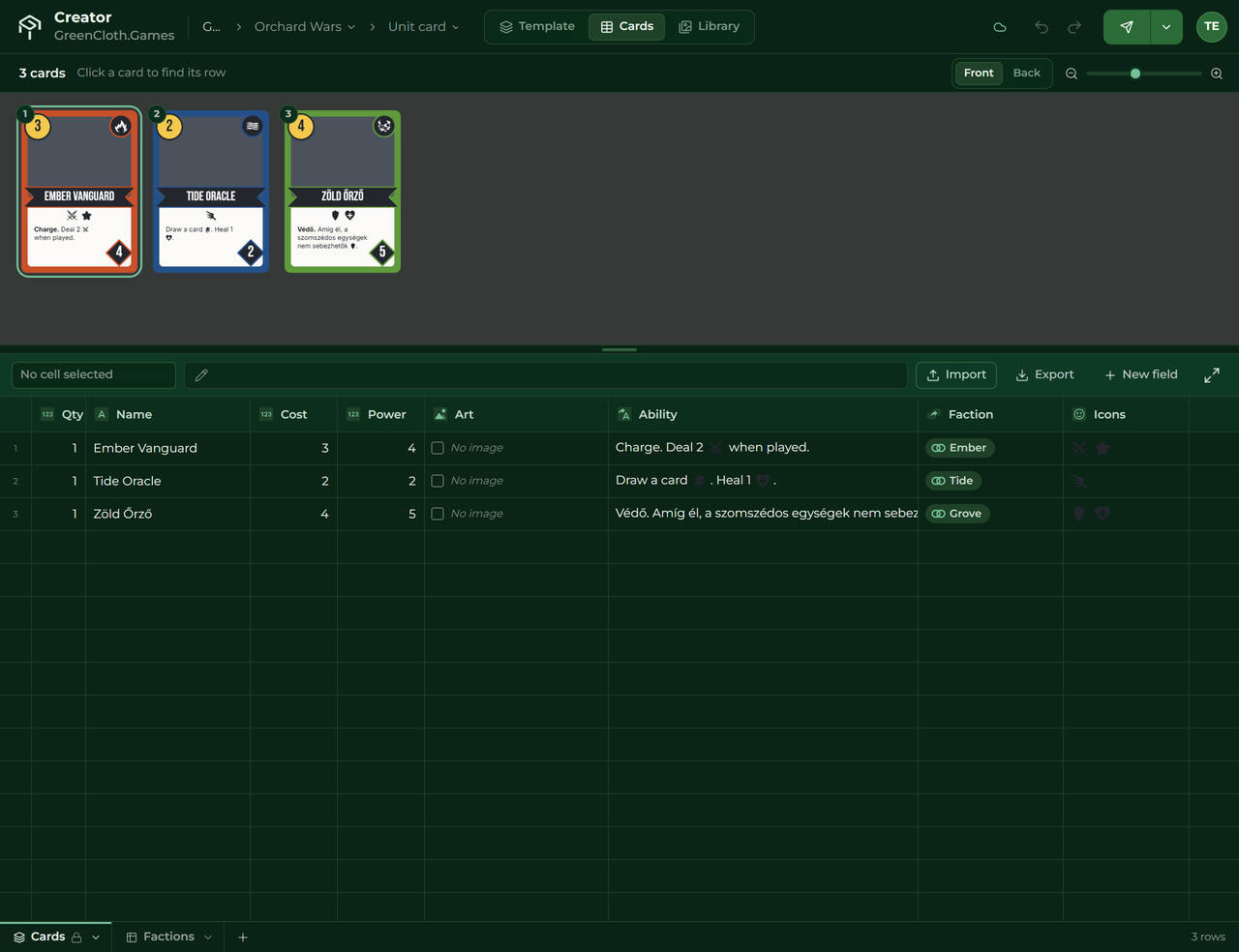
No finished game yet, maybe no art at all. Design your cards in the Creator from a template and a spreadsheet. When they look right, send the deck to the Builder.
Start in the Creator →
Your rules and card images are ready, and you want to play it online with your testers. Upload everything to the Builder, set it up and sit down together.
Start in the Builder →Either way you end up at the same table. A deck moves from the Creator to the Builder in one click.
You have the idea, or the art and a draft of the rules. To get other people playing, you print and cut a new copy, or you build a virtual table by hand and ask every tester to install or sign up first. Every hurdle costs you a playtest.
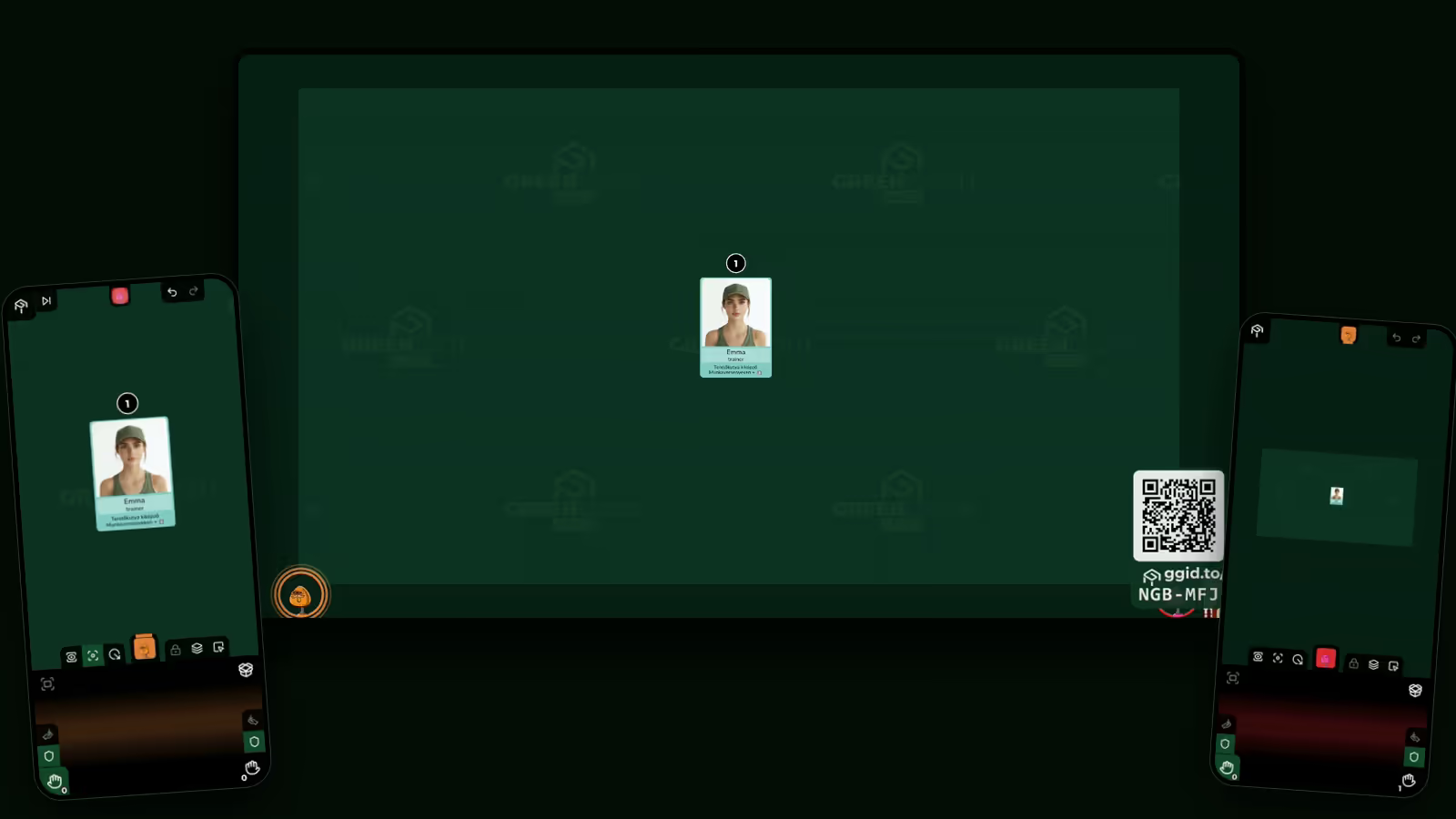
GreenCloth turns the screen in the room into the table, and every tester's phone into their hand.
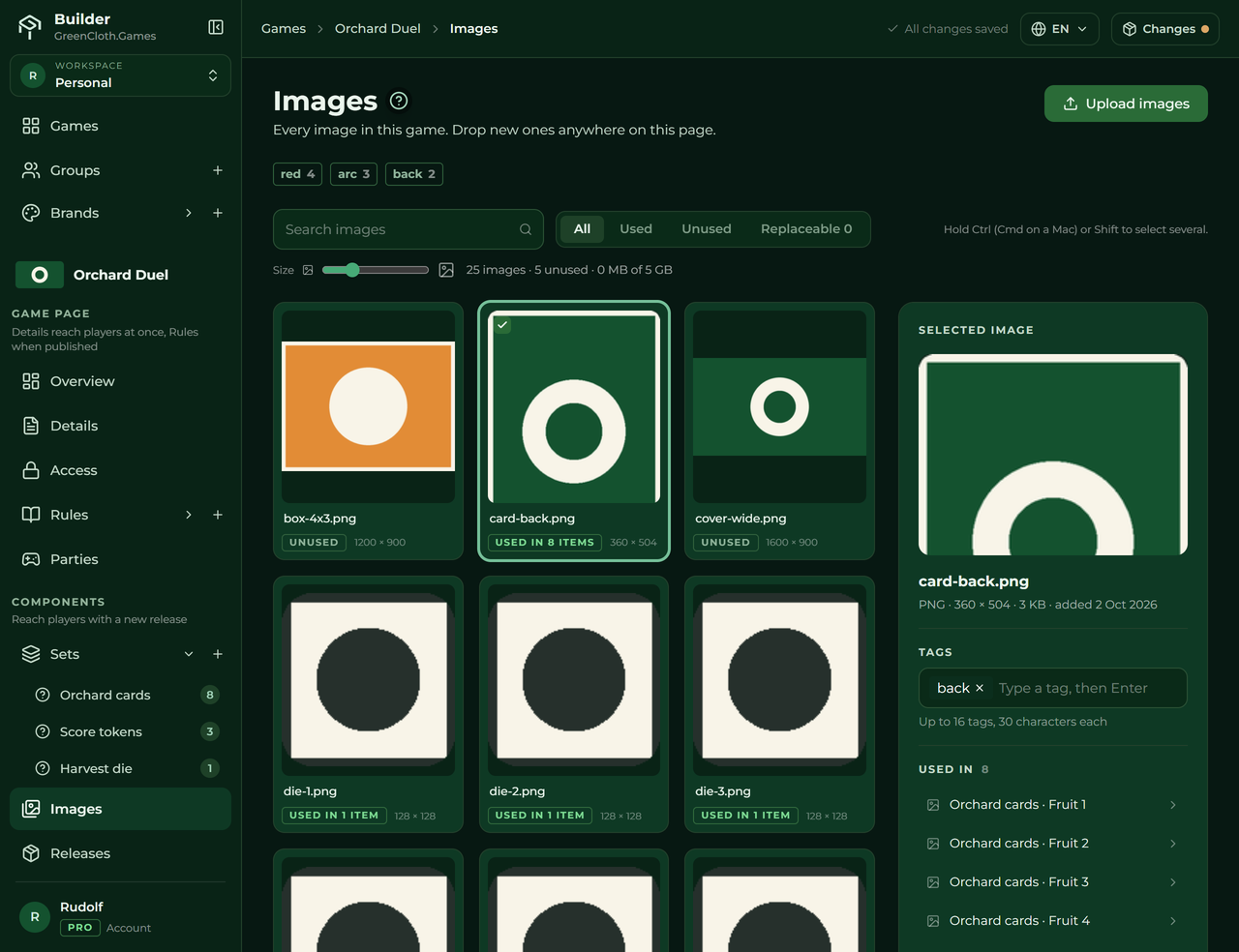
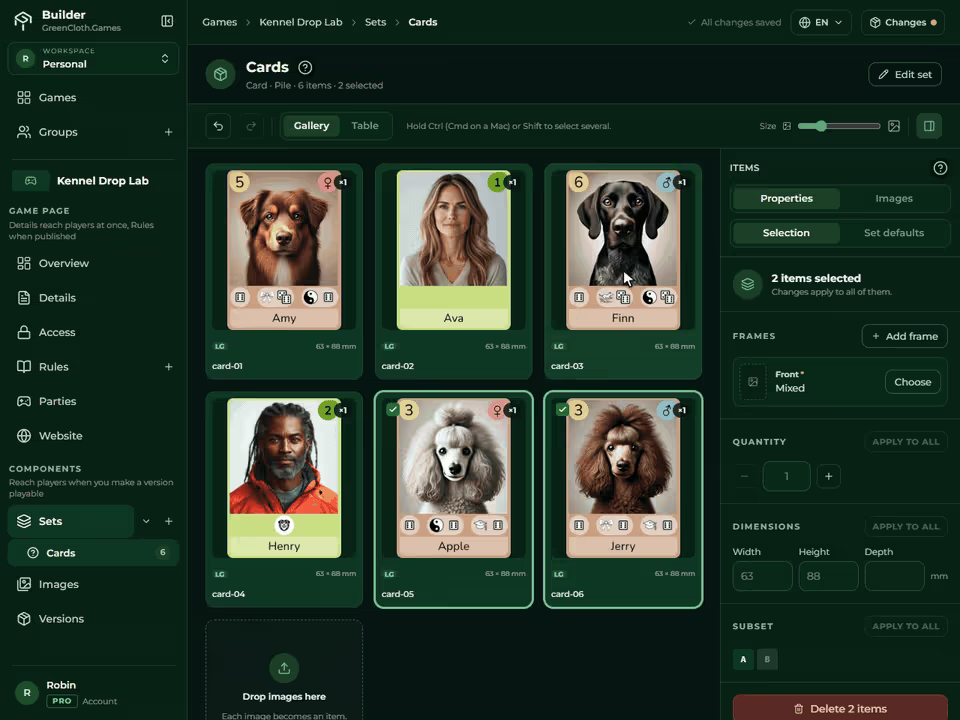
Drag your card images into a set in the Builder. Every file becomes a card. Set the defaults once and every card follows. There is nothing to program, and no save button: your work saves as you go.
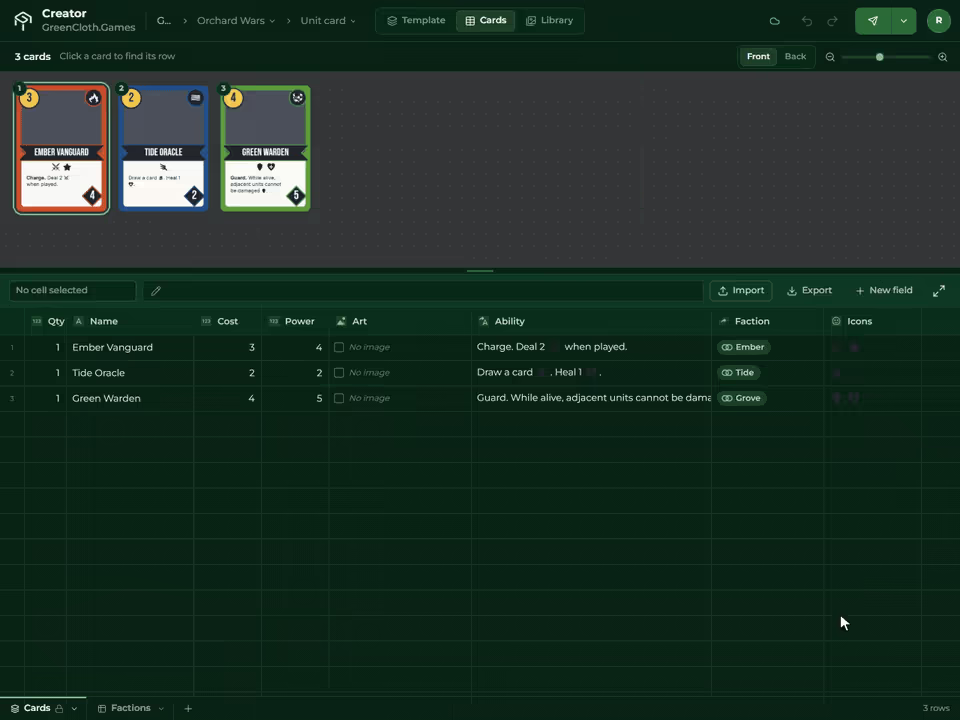
No art yet, or no game yet? Design the deck in the Creator from a template and a spreadsheet, then send it to the Builder.
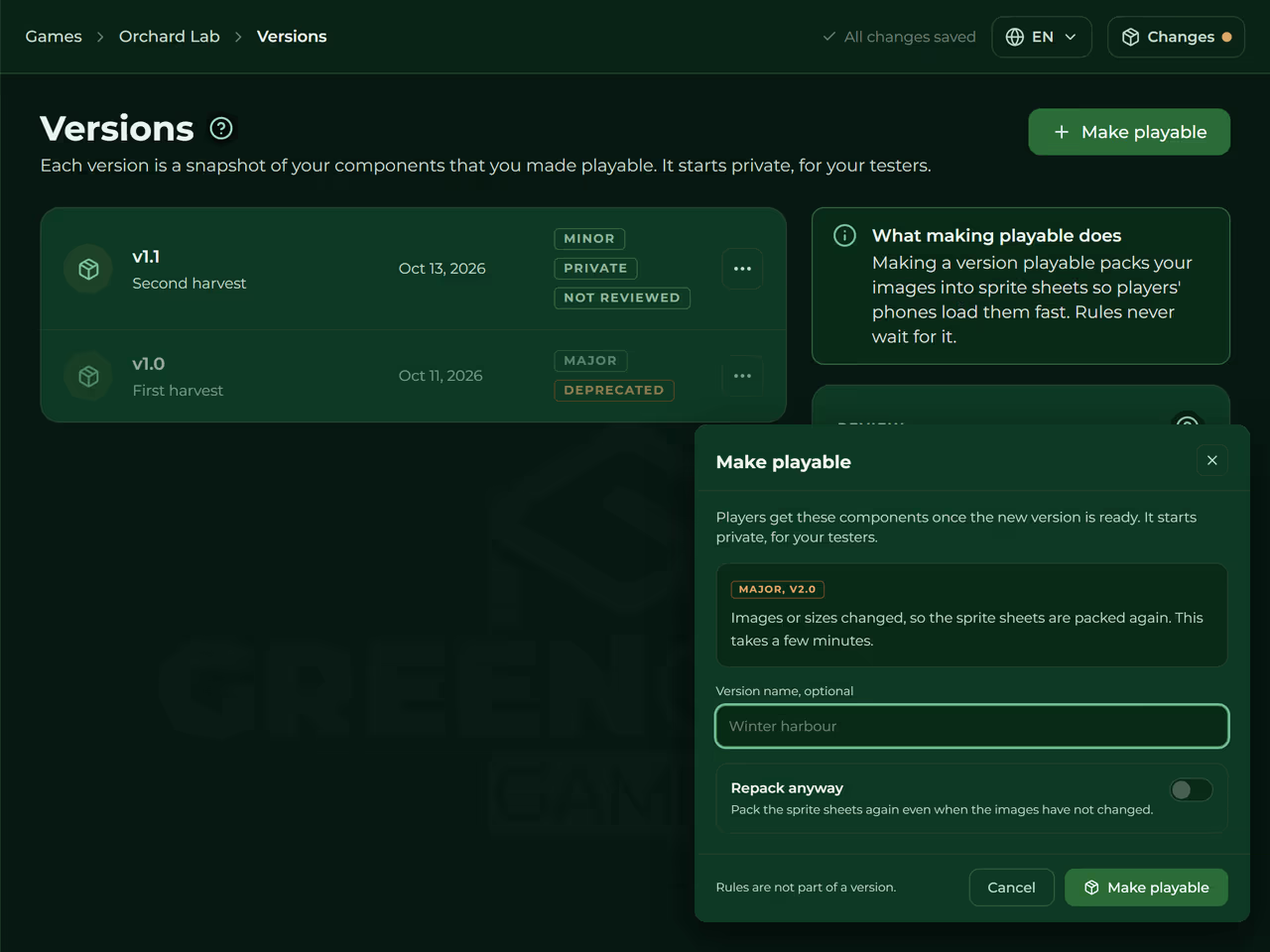
A version is a locked snapshot of your game. Packing it for the table runs on its own in the background: a text or settings change is instant, new images take a few minutes. Only the people you invite can play it.
Start a party and open the Display on any TV or monitor. Testers scan the party's QR code or type its six-letter code on their phones, join as guests, and you give them a seat. Everyone drags, flips and shuffles on their own phone. Hidden cards stay hidden, enforced by the server.
A version is never overwritten, so a party months later loads exactly the game it started with.
Walk through your first game → Step back through a party on a timeline. Found the turn where it went wrong? Start a new party from exactly that step and try another line, without reshuffling.
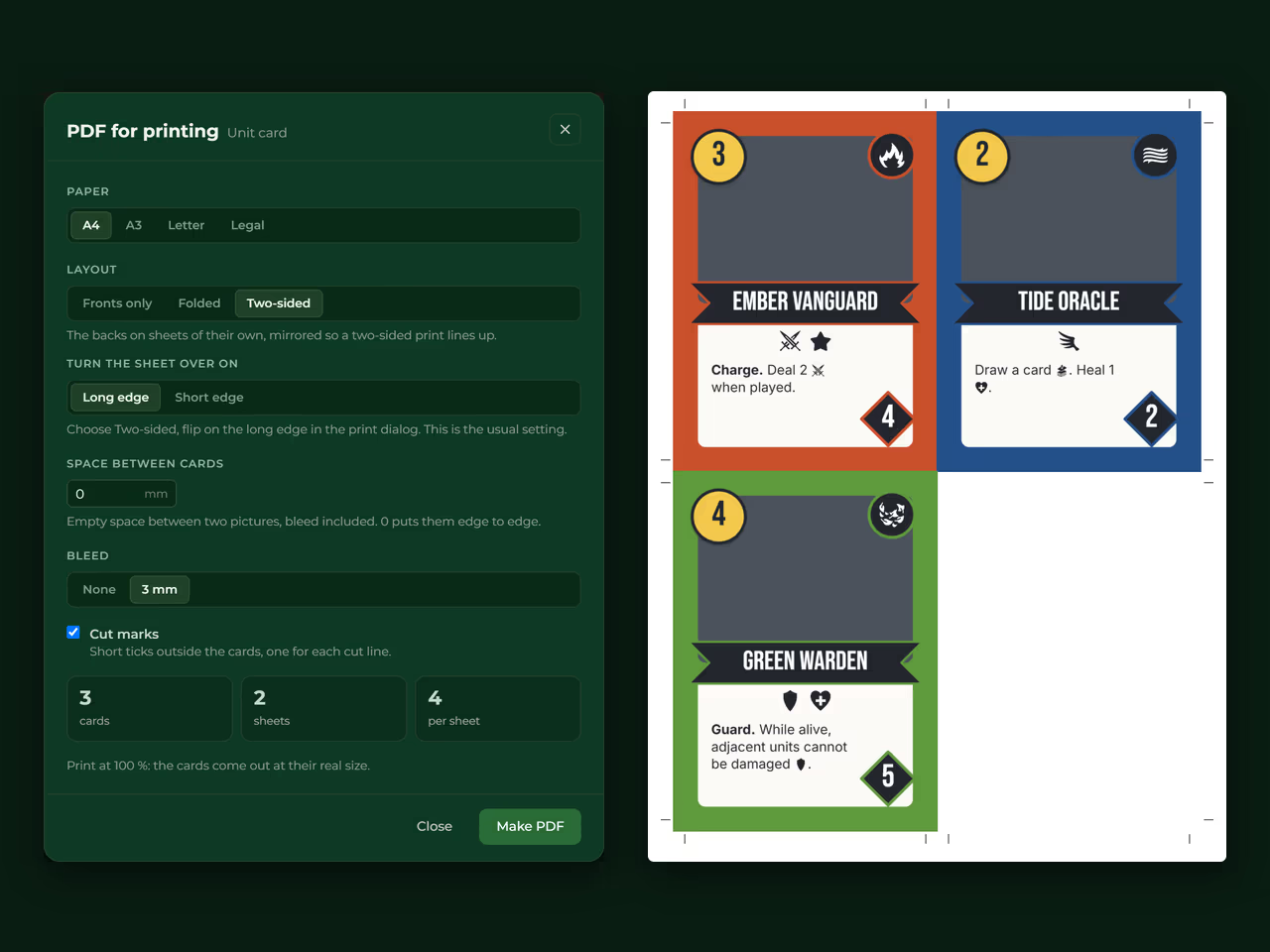
The Creator makes a print-and-play PDF with cut marks and a two-sided layout, so a test that needs paper does not start from scratch.
Each version is a locked copy. Keep editing the draft while testers play the version you gave them, and retire a version without disturbing parties that are already running.
Reveal all hands and use a pointer on the Display, handy for demos and streams.
Every plan runs the same Builder, Creator and table. Today you test privately with your own testers. Public listing is coming.
Prove the idea
Build and test properly
Ready for an audience
Today every game is tested privately with your own testers. Public listing is coming.
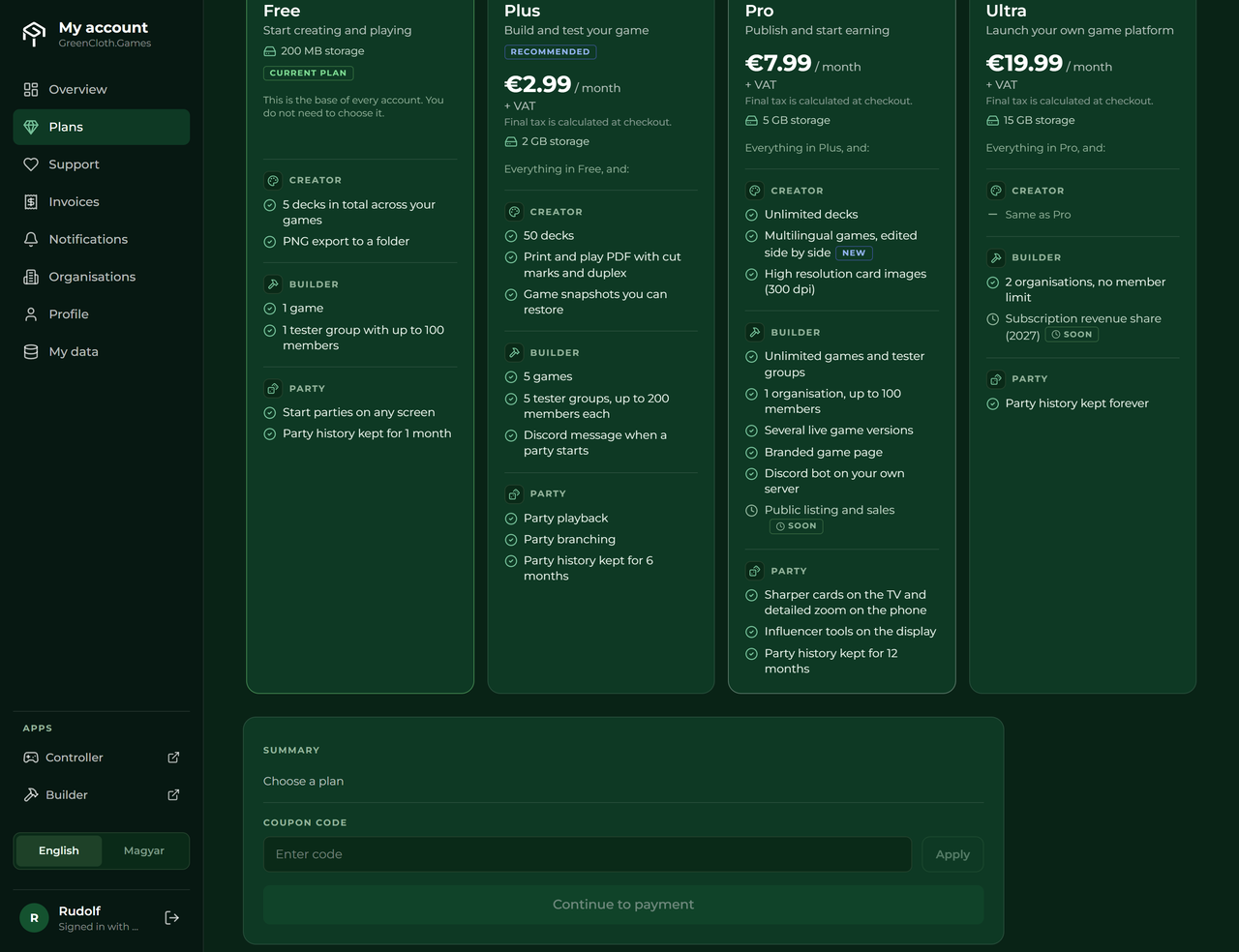
Need more? Ultra has 15 GB of storage and adds: 2 organisations, no member limit; party history kept forever. Compare all plans →
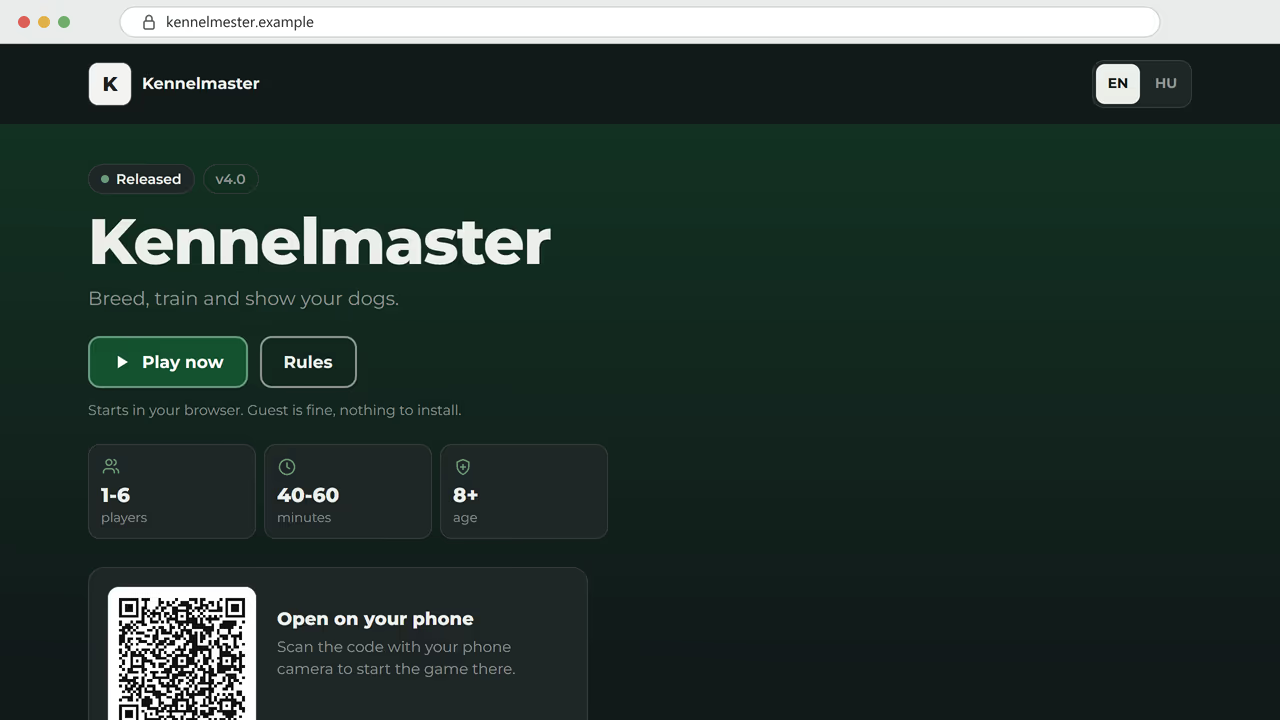
The user guide covers every screen of the Builder, the Creator and the table, in English.
Read the guide →The Creator designs your cards, the Builder turns them into a game, the Account app holds your plan. The Display and the Controller are the table you play on.
Sets, items, rules and versions. Import images, set the defaults once, write the rulebook with images, video and tables, then make a version playable for your testers.
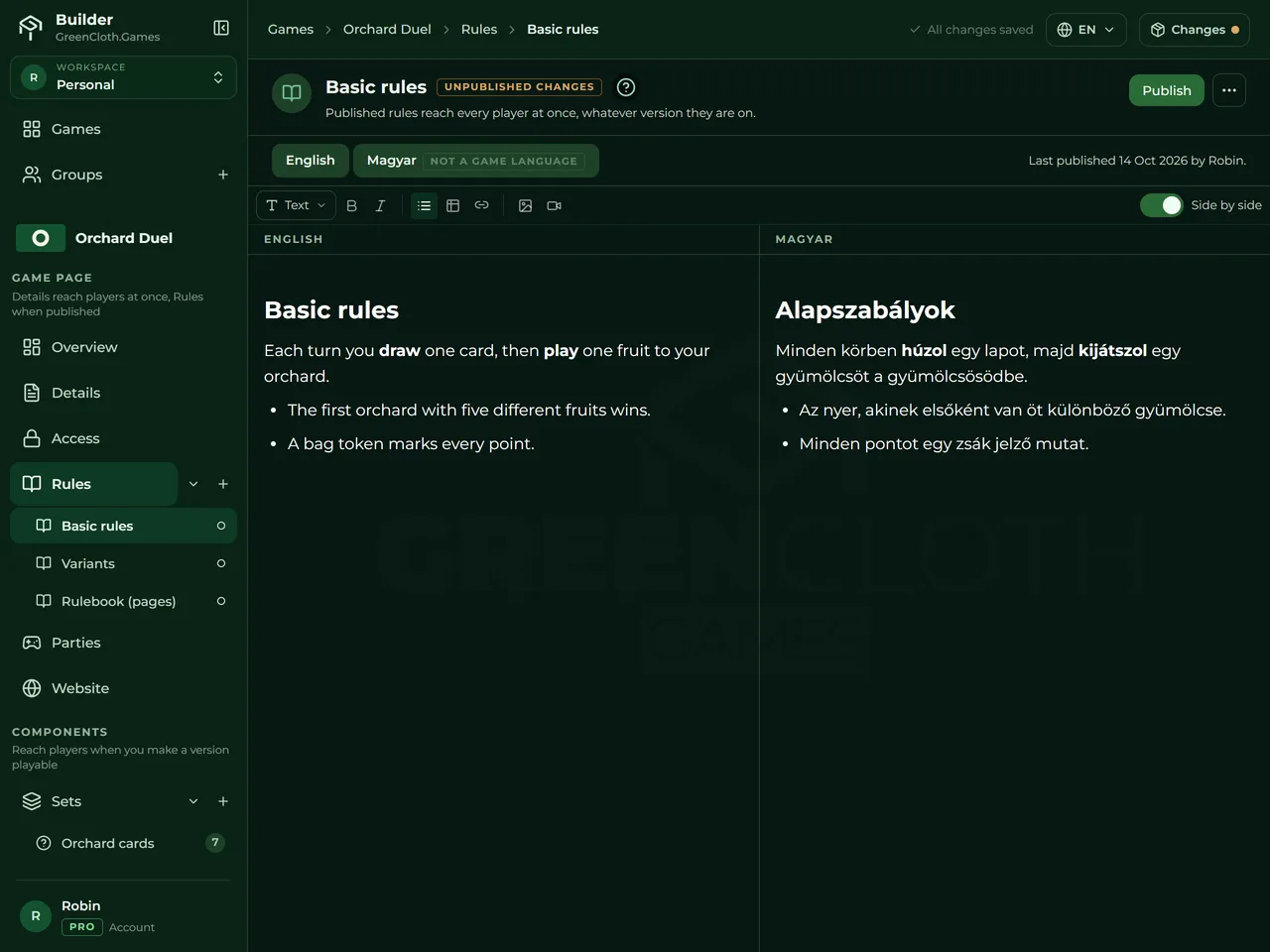
Side-by-side columns, images, video and tables, and several rule documents per game if the game needs them.
Design a deck as a template plus a spreadsheet: one layout, one row per card. Send the finished deck to the Builder as a set of card images.
Your plan, usage, invoices and notifications in one place. Change plans, and manage the plans you receive through an organisation.
A designer is right to ask. Here is what you will not find, so you can decide before you start.
Players get the components and follow your rulebook themselves, like at a real table. GreenCloth does not enforce rules or score for you. The upside: a rule change between two playtests is an edit to your rulebook, not a development job, and testers can even try a variant mid-game. If your game needs the computer to referee every move, it is not the right fit.
A deck you design in the Creator arrives in the Builder as card images. There is no way back: an image cannot be taken apart into a template and a spreadsheet again. Keep the deck in the Creator as your source for the cards.
To test, make a private version playable. It is packed for the table in the background: a text or settings change is instant, new images take a few minutes.
Public listing and sales are coming, not live. Today you test privately with your own testers, and on Pro you can run a branded game page.
A branded game page with your name and logo is part of Pro. A branded address for the table itself is not ready.
The Builder takes PNG, JPEG and WebP images. A PDF has to be exported as images first, or rebuilt in the Creator.
Something missing? Ask the team and the community on Discord.
Ask on Discord →If you have nothing yet, no game and no artwork, start with the Creator. If you already have a game and finished card images and just want it online, use the Builder. They are tools for the whole process, not two competing choices: a deck you design in the Creator goes on to the Builder.
Not to join a party. Testers scan the party's QR code or type its six-letter code and join as guests. A guest can only join a party. Joining a tester group needs an account: you send an invite code, they enter it in the Controller and sign in there with Discord, Google or Facebook. They never need to open the Builder.
No. The Controller and the Display run in the browser. Adding the Controller to the home screen is optional.
No. Free has no time limit and no checkout, so nothing asks for payment details. Stay on it as long as it fits your project.
We keep the data we hold about you small. With a sign-in you already have, there is no new password to store. We receive your name, email address and profile picture, and we never post on your behalf. Privacy Policy.
Yes. A version is private to you and the testers you invite. Public listing is coming, and it will be your decision. Your content remains yours: see section 5.1 of the Terms of Service. Terms of Service.
No. We do not use the material you upload for AI training.
No. Players get the components and follow your rulebook themselves, like at a real table. GreenCloth does not enforce rules, so trying a rule variant between two playtests takes a rulebook edit, not code. If your game needs the computer to referee every move, it is not the right fit.
The Builder takes PNG, JPEG and WebP images, not PDF. Export the pages as images, or rebuild the cards in the Creator from a template and a spreadsheet, with CSV and XLSX import.
The draft is your working copy: you edit it, and it cannot be played. A version is a locked, private snapshot packed for the table, so your testers can play it, on every plan. Making a game public is a separate step that is coming.
Not yet. Public listing and sales are coming. Today you can test with a private group and, on Pro, run a branded page for your game.
English and Hungarian side by side, on Pro.