

Play card and board games with your group in a browser, together in one room or remotely.
Three steps to sitting down together
Open the table
Open the Display app in a compatible browser on your chosen screen. It shows a code for connecting your phone.
Scan to sit down
Scan the QR code or enter the six-digit code in the Controller. Join as a guest, then choose a game to play.
Play
Drag a card, flip it, shuffle, hand it over. Every move plays out on the shared table, for everyone at once.
Why it plays like a real table
Bring the cards, pieces and shared table into your browser. Gather in one room or play together from different places.
No special hardware
Use a compatible browser on a phone for the Controller, and on a tablet, computer or TV for the Display. A monitor or projector can show the Display from a connected computer.
Your hand, on your phone
View your hand on your phone. Cards on the shared screen are face down by default, with an option to reveal them.
Play it the way you want
Nothing forces a rulebook on you. Just like a real deck of cards, you decide what you play and how, including the house rules and the games nobody wrote down.
It handles like a real table
Pick up, flip, shuffle, hand over. There is no interface to learn per game, because the gestures are the same in every game.
Everyone sees who does what
When somebody draws a card on their phone, the movement plays out on the big screen too. Nobody has to watch their neighbour's phone.
One table, different screens
The table is not tied to a screen. It goes wherever your group already looks.

The phone in every pocket becomes a private hand.

Open the Display in a compatible browser, or connect your computer to a TV or monitor.

Project the board onto the actual table you sit around.

The Dimension headset app is in development and is not currently available.
What you can play tonight
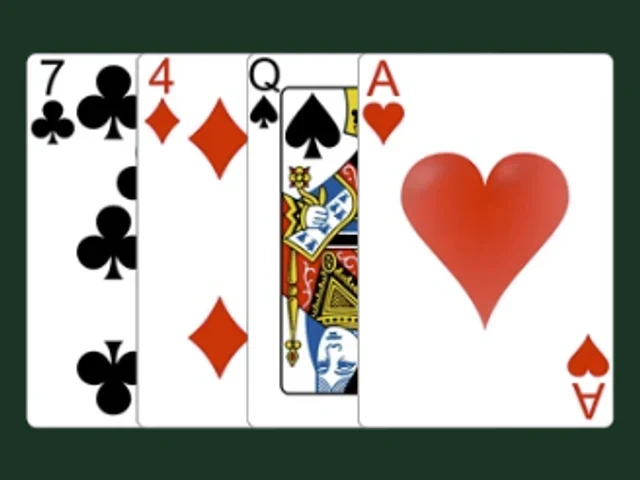
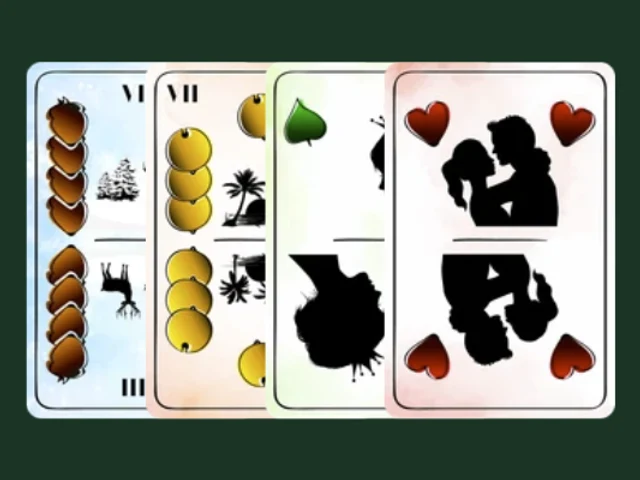
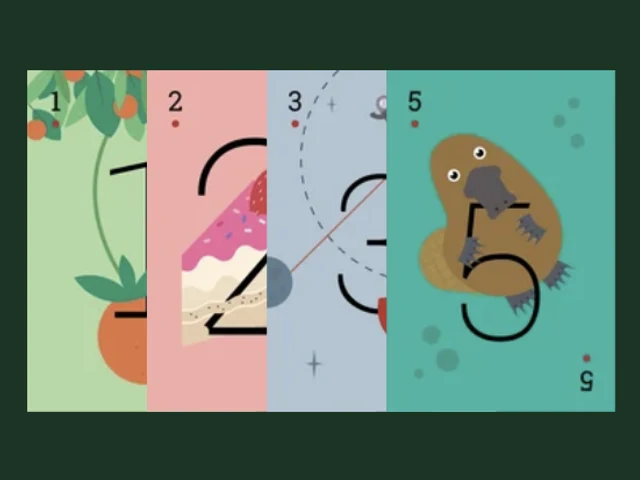
Find your place at the table
Play with friends, create a game or talk to us about a publishing partnership.
A shared screen, a phone for each player and an internet connection.

Design your cards, put the game together and test it before releasing it.
Interested in a digital edition of your games or a playable demo? Get in touch.
The usual questions
Have another question? Talk to the team and community on Discord.
Ask on Discord →Do I need a smart TV?
No. You can use a computer or tablet with a compatible browser, or connect a computer to a TV, monitor or projector. Browser support and installation options depend on the device.
Does it make us play by the rules?
No. You move the components and follow the rules yourselves, including any house rules. The hand shield and area lock let you control how other players can interact with your pieces.
Does everyone have to install and sign up?
No. You can join as a guest from a browser using a QR code or six-digit code. Signing in and adding the Controller to your home screen are optional.
Can we play from different cities?
Yes. Connect your Controllers and Displays to the same game over the internet. Moves are shared across the connected screens.
I designed a board game. Can I publish it here?
Use the Builder to import artwork, arrange components and write rules in multiple languages. Test the game with your group, then create a release and set who can access it. See the creator tools.