



Play anything. Your way.
The TV is the table, your phone is your hand. Nothing to install: open it in the browser, sit down with a QR code, and play by the rules you like, even the ones your family has played for years.
- Nothing to install
- Join as a guest
- Your house rules
Nobody referees you
GreenCloth gives you the cards and pieces, not a rulebook. Just like a real deck on a real table, you decide what you play and how.
One deck, any game
A deck of playing cards on the table is rummy tonight, poker tomorrow and a game only your family knows on Sunday. Nothing checks which one you are playing.
House rules welcome
The rule your grandad swore by, the variant your group made up last summer, the game nobody ever wrote down: play them as you always have.
You agree at the table
You move the pieces and keep to the rules yourselves. The hand shield and the area lock decide what the others can touch, so your hand stays yours.
Familiar moves, a shared view
Move pieces with a drag
Drag cards and pieces between your hand, the table and available containers. The destination and its settings determine where they go.
Your hand, on your phone
View your hand on your phone. The shared screen shows cards face down by default; its settings also allow hands to be revealed.
Keep the shared table in view
The Display shows the shared table while you make your moves with the Controller. You can adjust the view and how player hands appear.
One Display in the group, one Controller each
The Display holds the shared board. The Controller is what you hold in your hand.
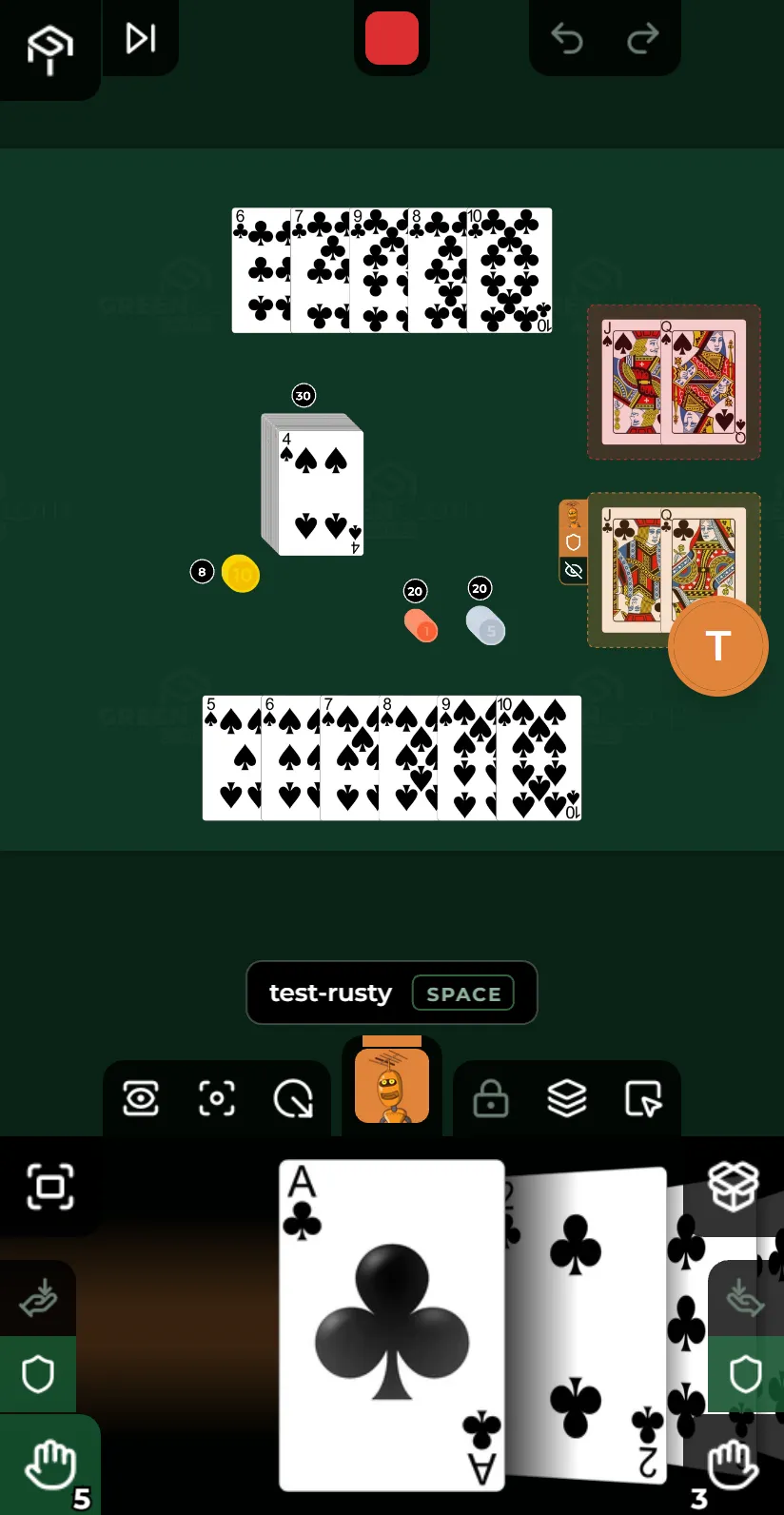
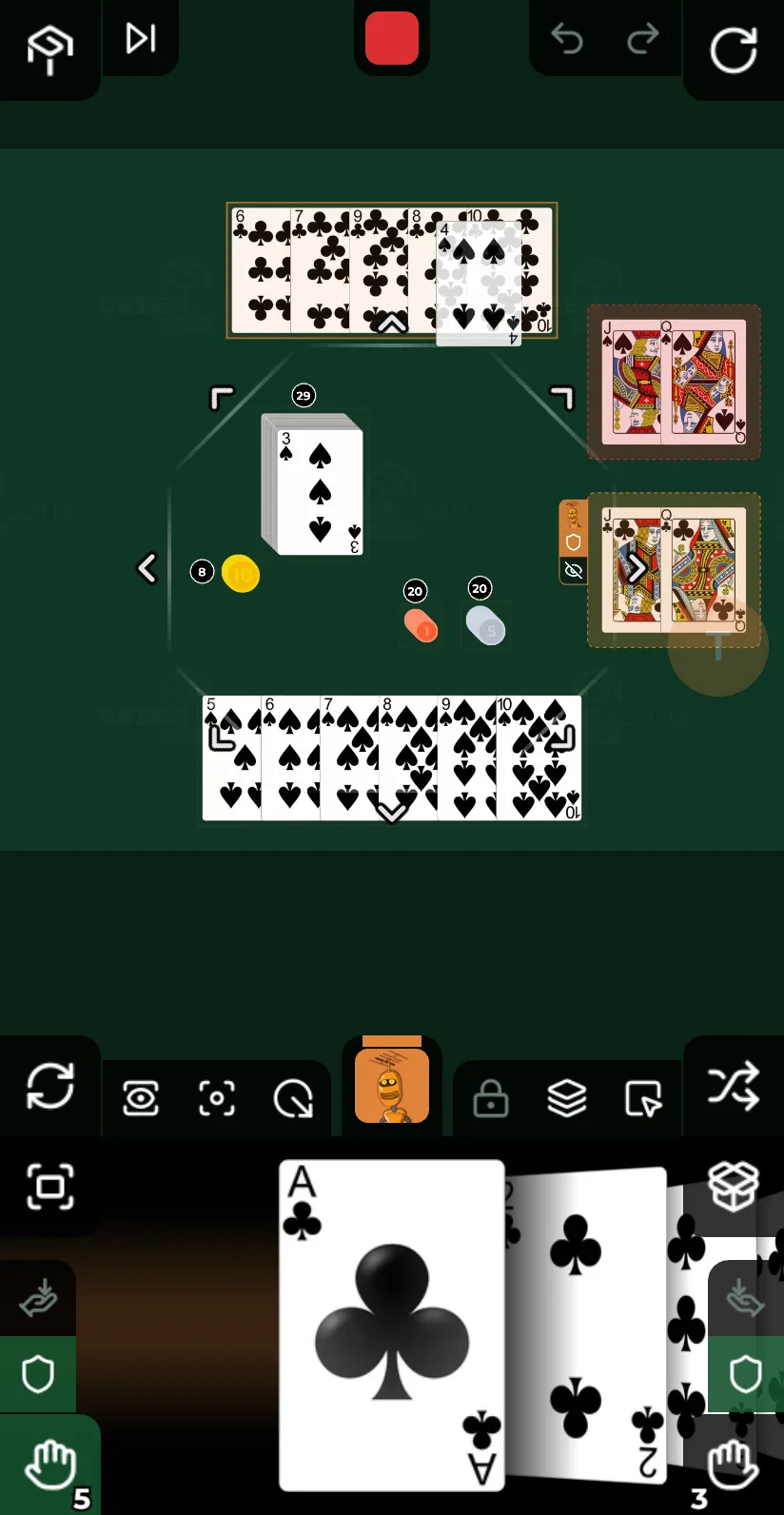
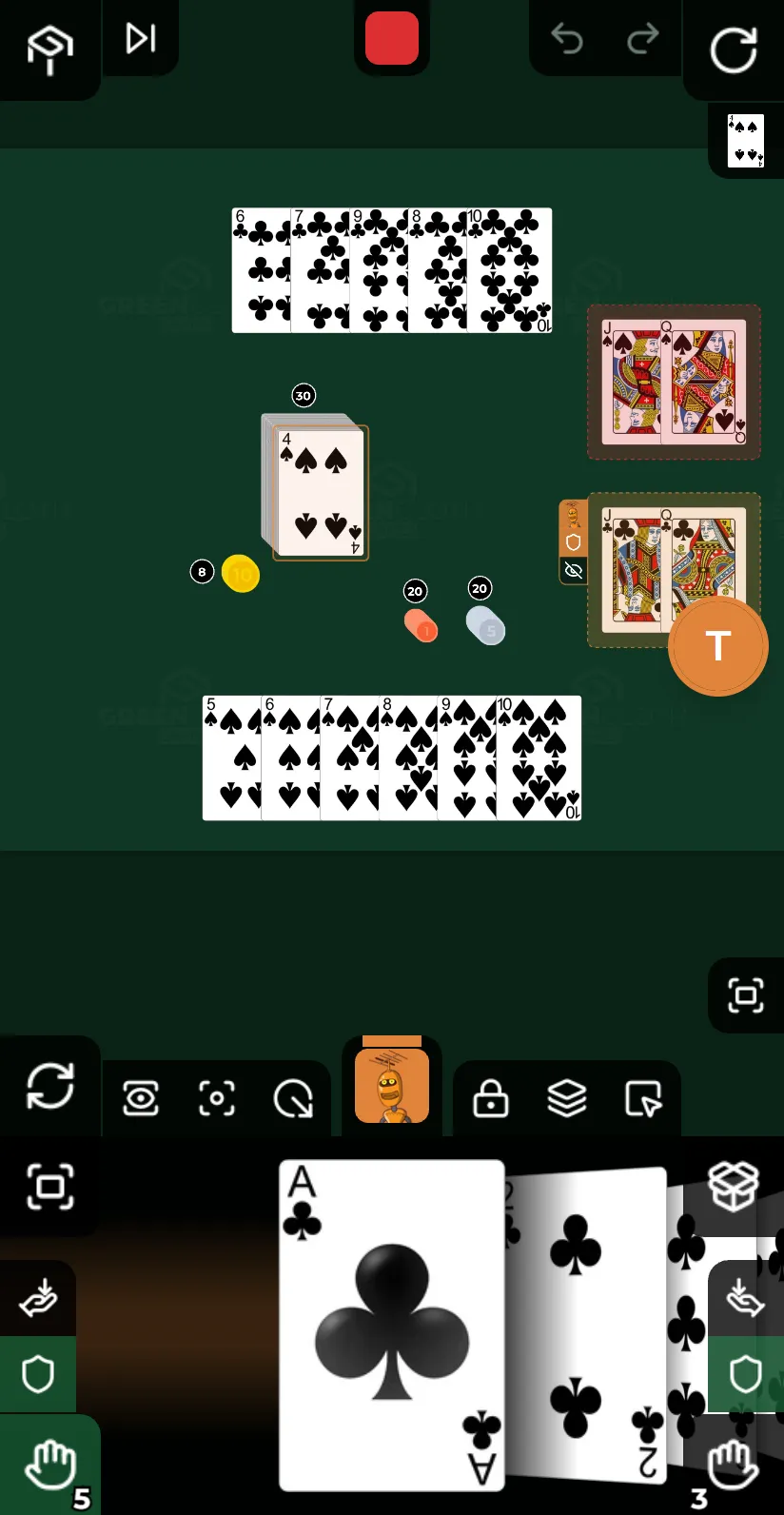

Keep your cards on your phone. Drag cards, move pieces, roll dice and arrange your hand. Vibration feedback is available on supported devices.
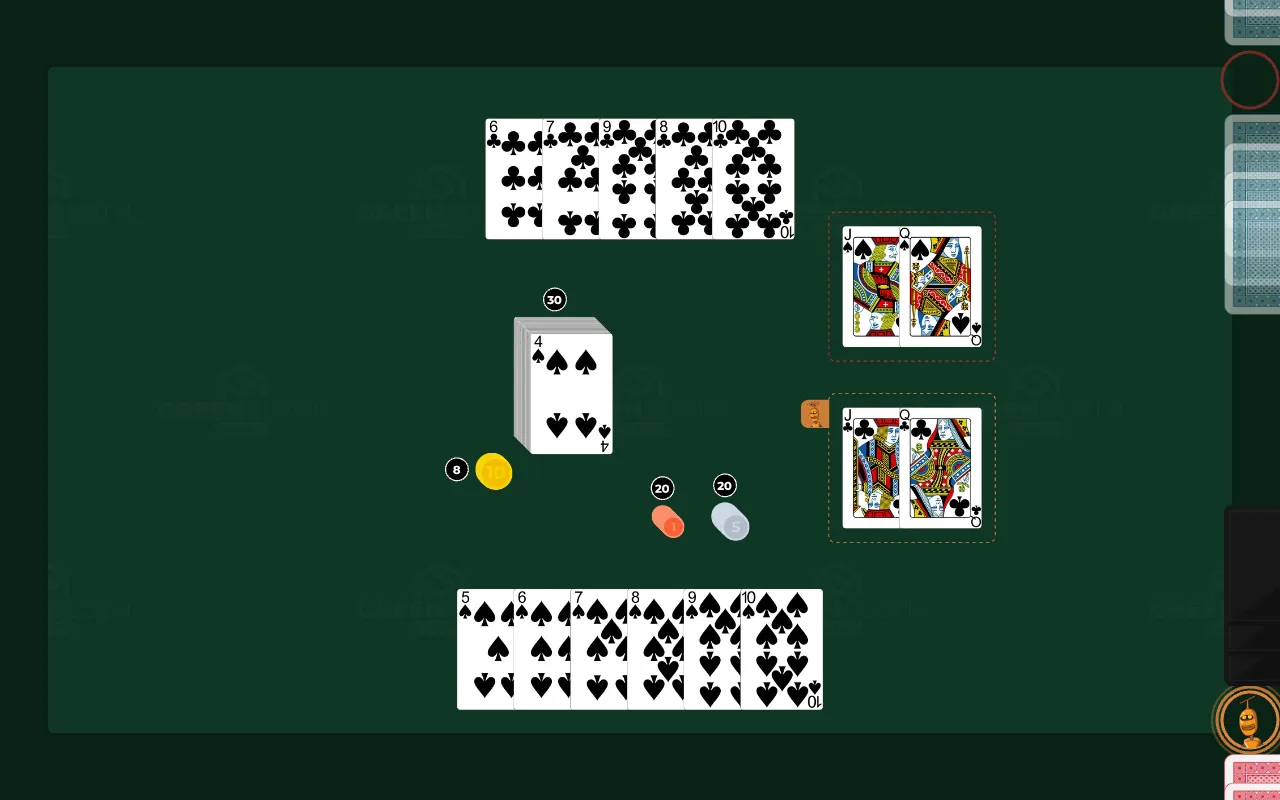
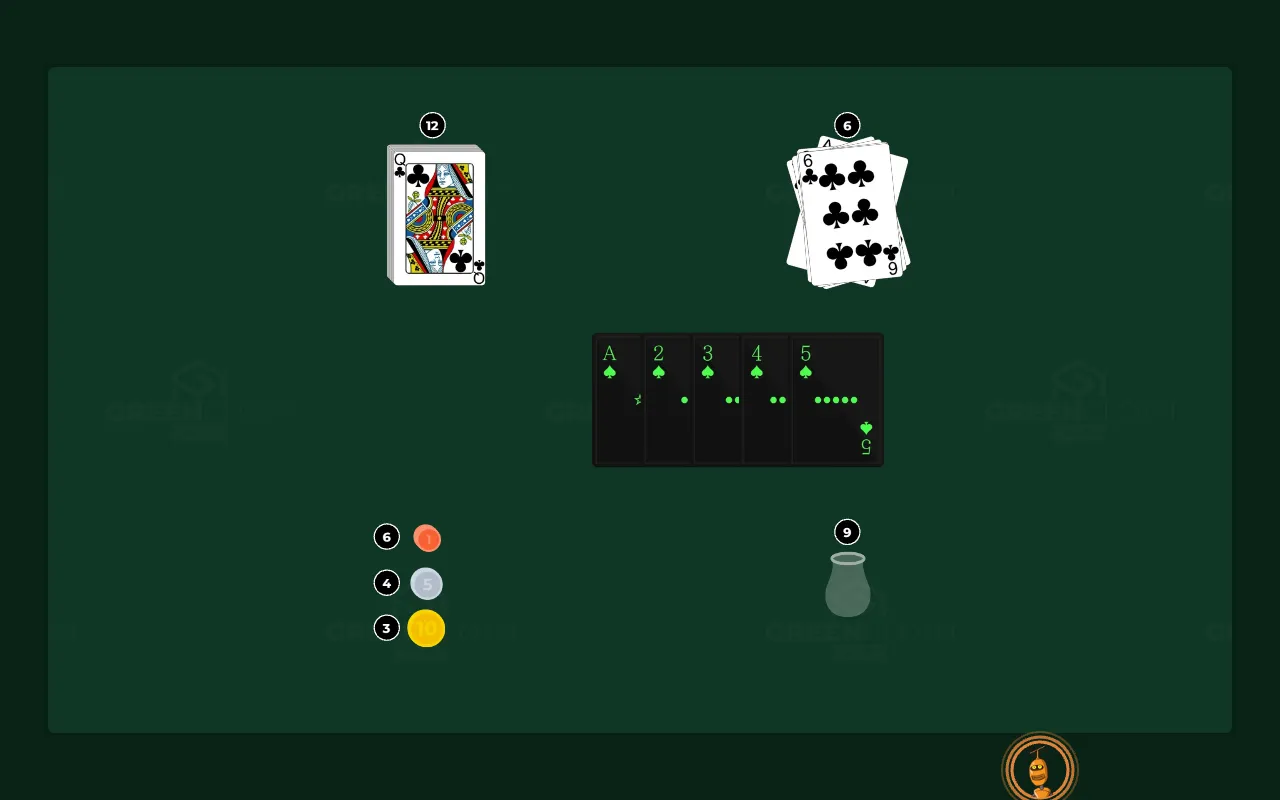
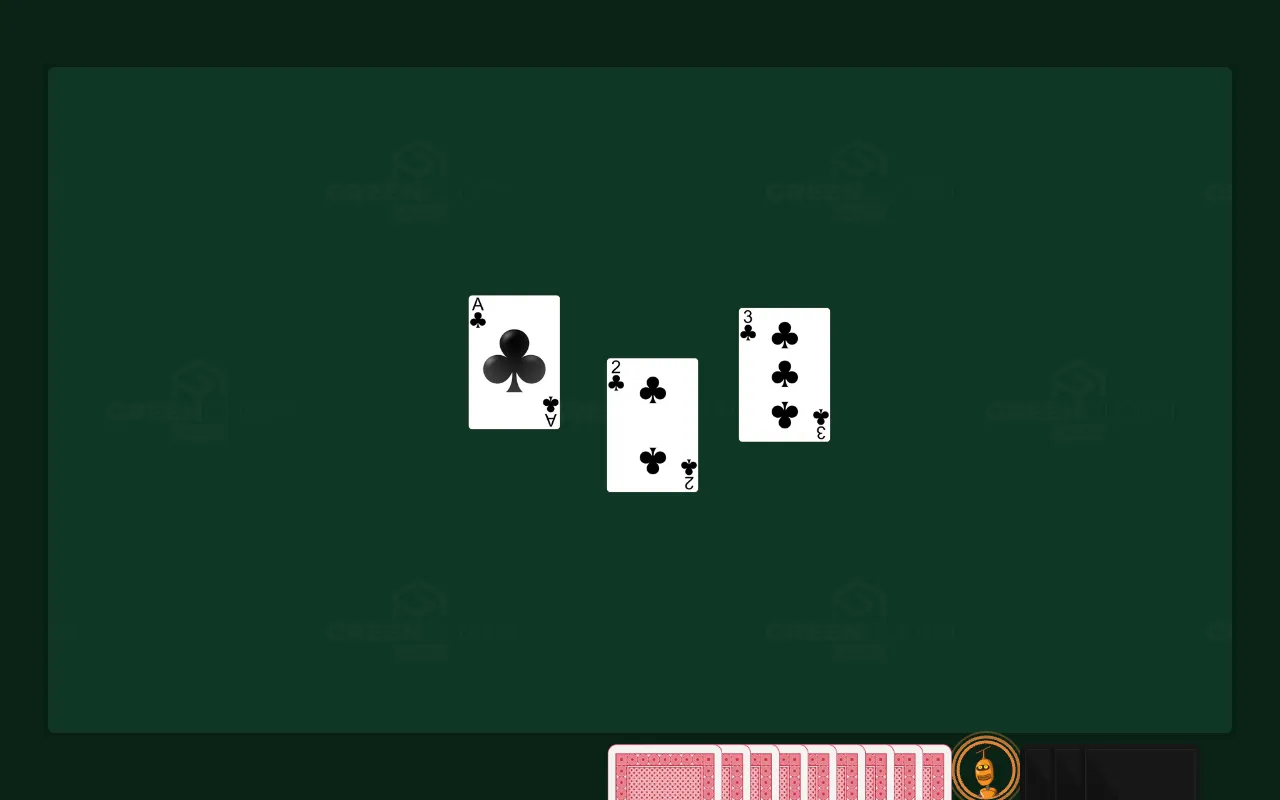

The shared game table, full screen. Friends in the same room watch one TV; friends in another city put the same table on theirs.
Help a designer finish their game
A game designer sends you a link to their test round. It shows what the game is, what they want to learn and when you can play. Apply, and they let you in.
Online from home or in person, as the round says. A first name is enough to join as a guest; a confidential round asks you to sign in and accept its terms first.
After the session you get a short questionnaire. Your answers go straight to the designer and help shape the next version.